
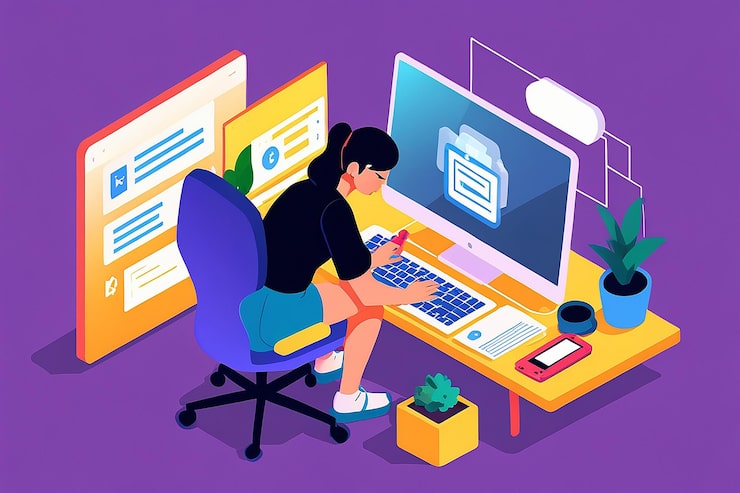
If you have ever opened a design program just to tweak one tiny icon, you already know the frustration. Loading screens, confusing menus, and a learning curve that feels way bigger than the task deserves. So the real question becomes simple. How do you edit SVG files quickly, without all that extra weight? Browser based tools have quietly solved this, and honestly, it took long enough.
What Makes Browser Based Vector Work So Appealing?
Desktop design software usually comes with downloads, subscriptions, and a pretty steep learning curve attached. For anyone who just wants to edit SVG files without jumping through technical hoops, that whole setup feels outdated. A tool built around an SVG editor skips all of that. You open a file, and you start working right away.
This shift matters more than people realize. Scalable graphics show up everywhere now, from app icons to t shirt prints, and small business owners do not have time to study design software like it is a college course. They want something that opens fast, behaves predictably, and still gives real control over shapes, colors, and text when it counts.
How Does the Editing Process Actually Work?
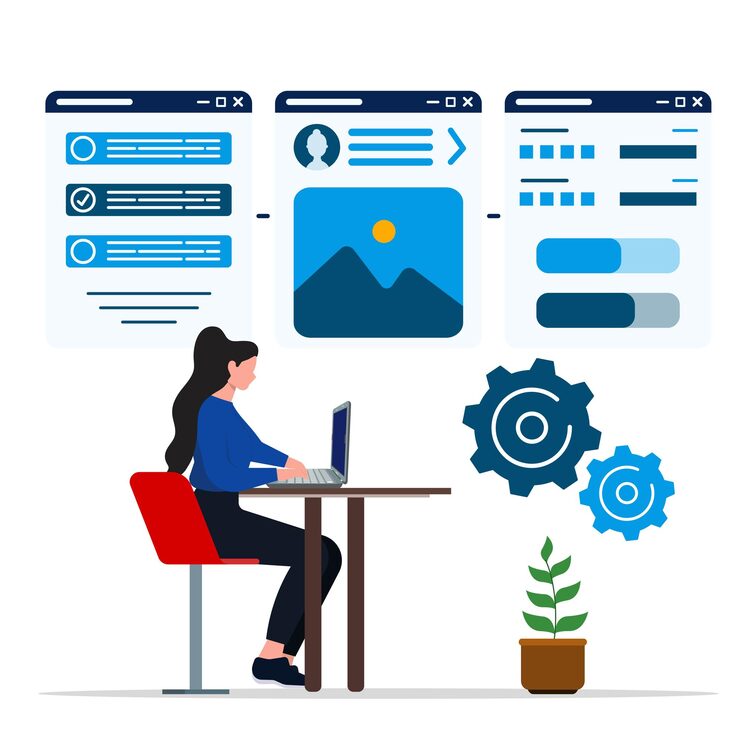
Getting started is almost embarrassingly easy. Drag a file into the workspace, or click the upload button, and the canvas loads it instantly. Every single element becomes clickable, which means you can adjust one shape, one line of text, or one path without touching anything else nearby.
Here is roughly how most people move through it:
- Upload the file directly into the browser
- Click to select individual objects or whole groups
- Adjust size, color, rotation, or opacity on the spot
- Export the finished design in whatever format fits
Nothing sits and loads for ages. Changes show up live, right on the canvas, so if something looks off, you catch it immediately instead of discovering the mistake after export.
Which Features Actually Make a Difference?
Not every editor is built the same, and it helps to know what separates a decent tool from a genuinely useful one. Take the magic eraser, for example. It lets you remove backgrounds or stray bits without tracing anything by hand, which is a massive time saver for anyone preparing files for crafting or cutting machines.
Then there is path manipulation, letting you reshape anchor points and curves with real precision. Grouping and ungrouping keeps messy, complex designs organized instead of chaotic, and thirty three built in web fonts mean your text looks consistent no matter where the file eventually lands.
Color control is worth mentioning too. Instead of recoloring an entire graphic at once, you can change individual elements separately, which matters a lot when matching brand colors or putting together something seasonal. Smart snapping handles the fiddly alignment work so you are not nudging pixels by eye for twenty minutes.
Why Do Creators Prefer This Over Traditional Software?
Cost and confusion are the two complaints people bring up most often. Expensive subscriptions and cluttered menus push a lot of beginners away before they even get started. Being able to edit SVG files directly in a browser solves both problems at once, no subscription required and no technical background needed either.
Small businesses feel this benefit especially strongly. Owners who need quick graphic tweaks for product listings, packaging, or signage usually cannot justify hiring a designer every single time something needs adjusting. Being able to handle it themselves, right when they need it, speeds up the whole workflow.
Who Actually Uses These Tools Day to Day?
The audience is wider than you might expect at first glance:
- T shirt and apparel designers fine tuning artwork before printing
- Crafters preparing files for Cricut or Silhouette machines
- Web developers polishing icons and illustrations for apps
- Small brands adjusting logos across different marketing materials
Each group wants something slightly different out of the experience, yet all of them need precision paired with simplicity. That combination keeps pulling more people toward browser based editing instead of heavier software.
Final Thoughts
Editing vector graphics does not require expensive software or years of design school anymore. With the right browser based tool, you can open a file, make exact adjustments, and export a clean result in minutes flat. Whether you are cleaning up a logo or prepping artwork for a cutting machine, learning to edit SVG files has genuinely gotten easier, and that change is reshaping how everyday creators approach design.
Leave a Reply